
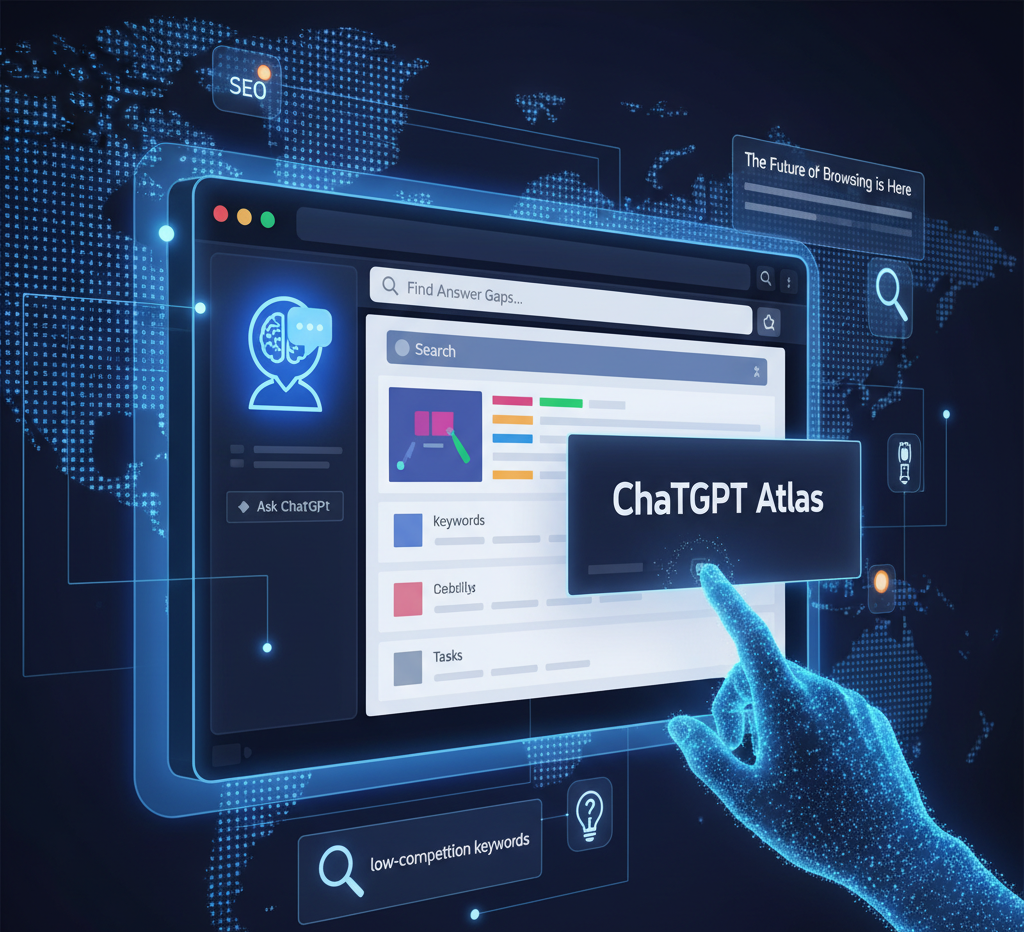
Friends, let’s talk. For the last twenty years, the internet has basically run on one simple idea: you type keywords into a search bar, Google gives you a list of links, and you click.
What if that whole model is about to change?
OpenAI, the company behind ChatGPT, just dropped something that could be a genuine earthquake for how we use the web. It’s called ChatGPT Atlas, and it’s not just another browser. It’s a complete rethink of what a browser should be—an AI-powered “co-pilot” that surfs the web with you.
If you create content, run a business, or care about SEO, you need to pay attention. This is a big deal. We’re going to dive into what Atlas is, how to get your hands on it, and why it might be your new secret weapon for finding those sweet, low-competition keywords.
So, What Is ChatGPT Atlas, Anyway?
In simple terms, Atlas is a web browser (like Chrome or Safari) that has ChatGPT’s brain built directly into it.
Imagine you’re reading a long, complicated article. Instead of highlighting text, copying it, opening a new tab, going to ChatGPT, and pasting—you just open a sidebar. Atlas can already see the page you’re on.
You can ask it:
- “Summarize this article for me.”
- “What are the three main takeaways?”
- “Who is the author, and what else have they written?”
It’s built on Chromium, the same open-source project as Google Chrome. This is smart because it means it feels instantly familiar. Your favorite Chrome extensions? Yep, most of them work.
But it’s the AI features that set it apart:
- Integrated Sidebar: This is your AI co-pilot. It’s always there, ready to help you understand, write, or research whatever is on your screen.
- Browser Memories: This is an optional feature you can turn on. It lets Atlas remember what you’ve been doing (like those headphones you were comparing last week) to give you more personalized help.
- Agent Mode (This is the crazy one): For paid users, this feature lets you give Atlas tasks. Not just questions, but tasks. “Find me three high-protein vegan recipes and add all the ingredients to my grocery cart.” Atlas will then navigate the web, click the buttons, and do it for you.
How to Install ChatGPT Atlas (The Quick Guide)
Ready to try it? It’s simple, but there’s one big catch…
Right now, ChatGPT Atlas is only available for macOS on computers with Apple M-series chips (M1, M2, M3, etc.).
OpenAI has confirmed that Windows, iOS, and Android versions are coming soon, but for now, it’s Mac-only.
If you have a compatible Mac, here’s the drill:
- Download: Head over to the official OpenAI website:
chatgpt.com/atlas. - Install: Find the downloaded
.dmgfile. Open it, and just drag the Atlas icon into your Applications folder. - Launch: Open Atlas. It will ask you to sign in with your regular ChatGPT account (both free and paid accounts work).
- Import: The browser will offer to import all your bookmarks, passwords, and history from Chrome or Safari to make the switch painless.
- Enable Features: The AI sidebar is on by default. It will ask for your permission if you want to enable the “Browser Memories” feature.
How to Use Atlas for SEO: Finding “Low-Competition Keywords”
Okay, this is the part I’m most excited about. How do we, as creators and marketers, use this?
Atlas signals a huge shift from “keywords” to “intent” and “tasks.” Your audience isn’t just searching for “best cameras”; they’re trying to solve a problem, like “find a camera for my vlogging setup under $500.”
Here’s how to use Atlas to find opportunities everyone else is missing.
1. Find “Answer Gaps”
This is my favorite trick. Go to the #1 ranking article for a topic you want to write about.
- Open the Atlas sidebar.
- Ask it: “What questions does this article fail to answer?” or “What key information is missing from this page?“
Atlas will analyze the text and give you a list of “gaps.” These are your new low-competition keywords. They are the unanswered questions that users are still searching for. Build your article around answering these gaps, and you’ll have the most complete guide on the web.
2. Optimize for “Tasks”
Think about what your user wants to do.
- Old way: Target the keyword “best running shoes.”
- New way: Target the task “compare the top 3 running shoes for a beginner with flat feet.”
Use Atlas to perform this task yourself. See what information it pulls. Does it look for comparison tables? Pros and cons lists? Price charts? This shows you exactly how to structure your content so the AI can read it, understand it, and recommend it as the best answer.
3. Steal… I Mean, Research Competitors
Open your top five competitors in different tabs. Now, ask Atlas:
“Summarize the main arguments from all my open tabs on [your topic].“
In seconds, you’ll have a complete overview of the topic. You can instantly see what everyone is saying, what common themes they cover, and—most importantly—what they all missed. That missing piece is your unique angle.
The Good vs. The Bad: Pros and Cons of Atlas
It’s not all perfect. Let’s break down the good and the bad.
The Pros
- It’s Incredibly Fast: The ability to summarize, compare, and analyze on the fly is a massive time-saver for research.
- Finds Hidden Opportunities: It’s brilliant at finding those “answer gaps” that traditional keyword tools would never spot.
- Easy to Use: Since it’s built on Chromium, it feels comfortable from minute one. There’s almost no learning curve.
- Better Content: It forces you to write better, more structured, and more helpful content by focusing on user intent.
The Cons
- The “Zero-Click” Problem: The AI might get so good at answering questions that it summarizes your awesome article, gives the user the answer, and they never click your link. This could mean less traffic.
- Privacy Questions: The “Browser Memories” feature is optional, but the idea of your browser “remembering” everything you do will be a non-starter for some.
- Messy Analytics: For marketers, this is a big one. The “Agent Mode” could start clicking on paid ads to complete tasks, which could drain your ad budget and fill your analytics with “bot” traffic.
- Limited Availability: Being Mac-only for now severely limits its user base.
The Final Takeaway
ChatGPT Atlas is more than just a shiny new app. It’s a preview of the future. The internet is moving away from being a “list of links” and toward being a “conversational assistant.”
For creators, the message is clear: The game isn’t just about stuffing keywords. It’s about providing the best, clearest, and most complete answers. Your new goal is to make your content so good and so well-structured that the AI chooses your site as the source of truth.
My advice? Download it. Play with it. Use it to research your next article. The future is here, and you might as well get a head start.
Read more about Ai Browsers




One Comment